Play

Product / Inbox

Every call, read before you call back

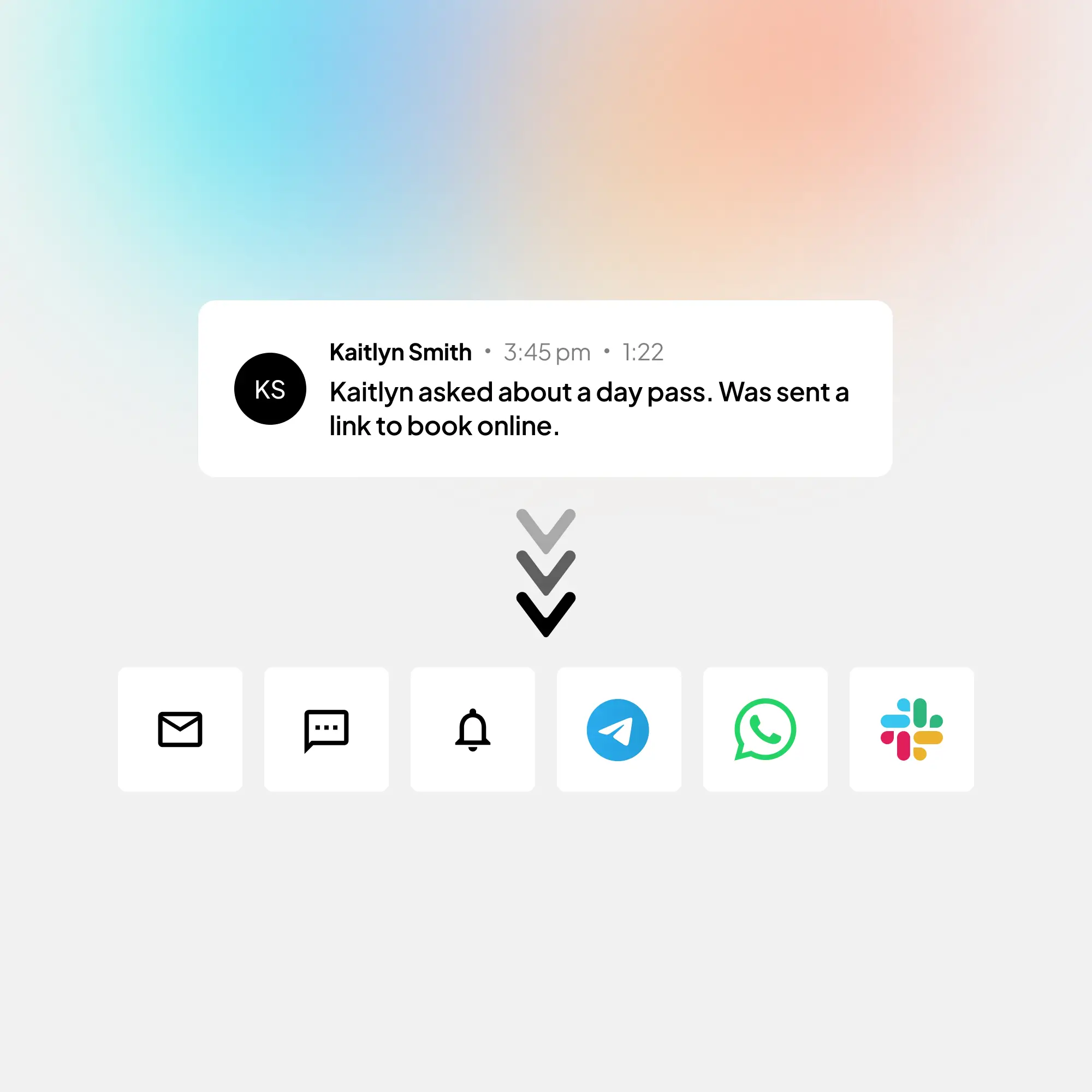
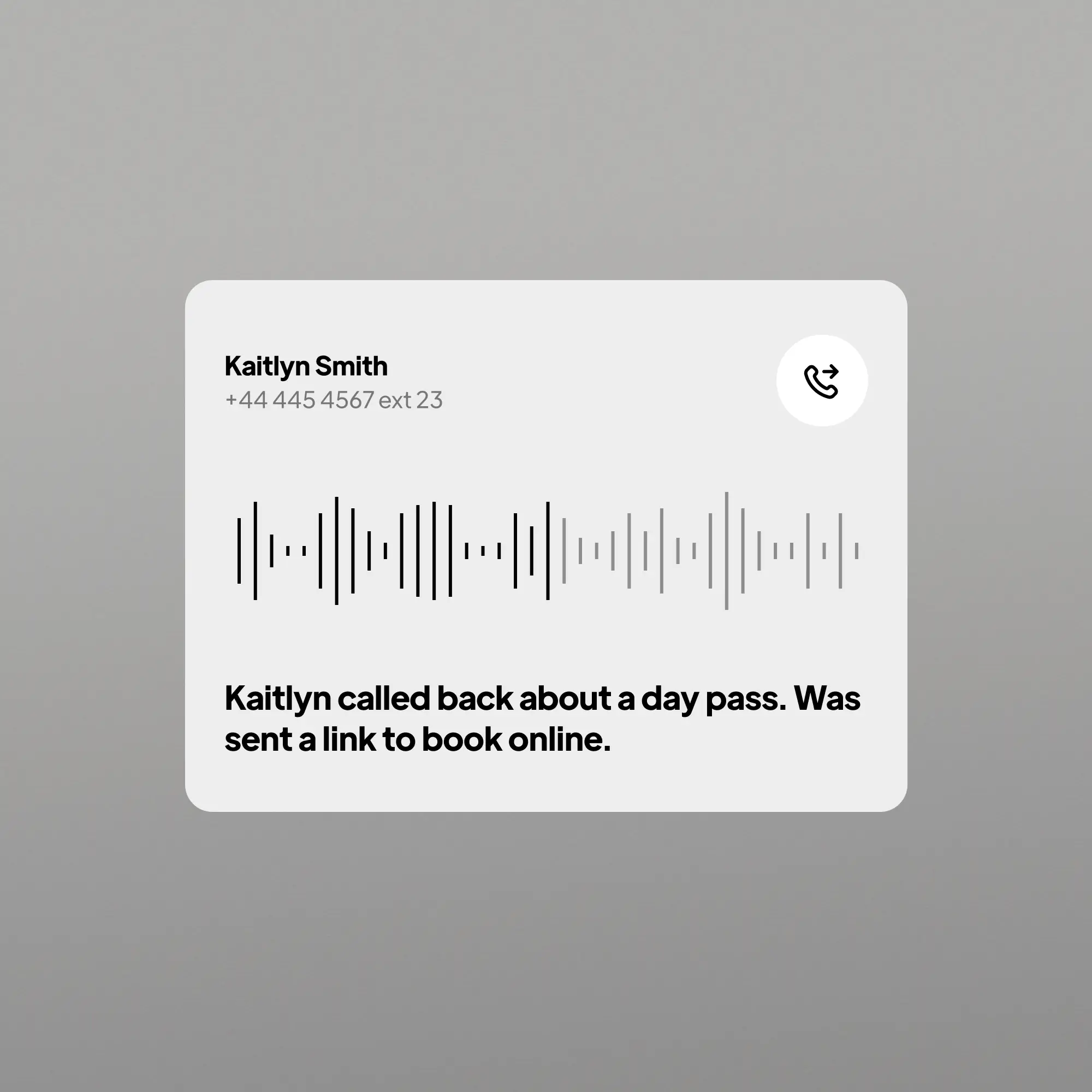
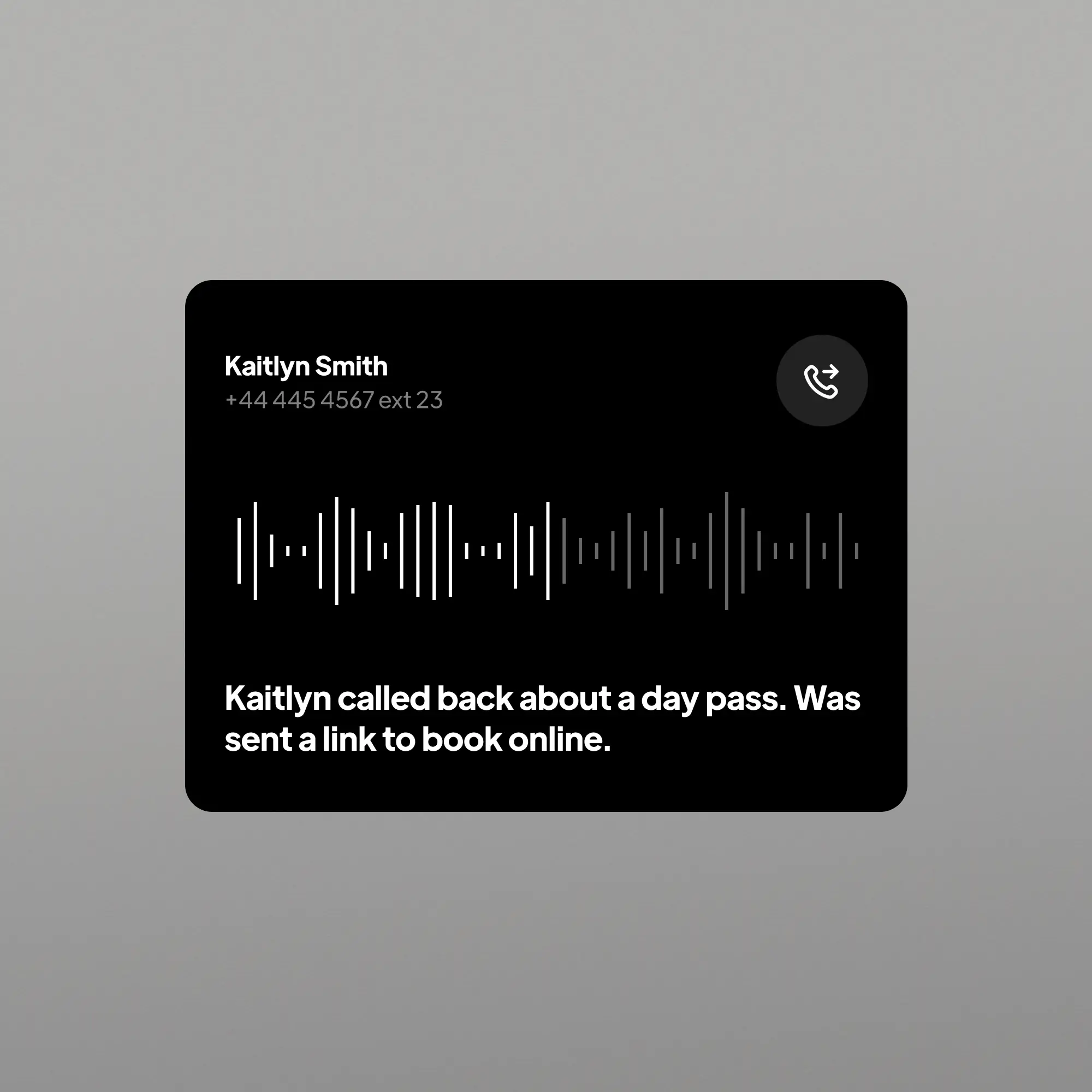
The moment a call ends it is in your inbox: a one-line summary, the transcript, the recording, and chips for Urgent, Appointment and how the caller felt. Search it, set a reminder, leave a note for your team, and get the same summary by text, email, push, Telegram, WhatsApp or Slack. On your phone, your tablet and your desktop.

Live demo Discovery call

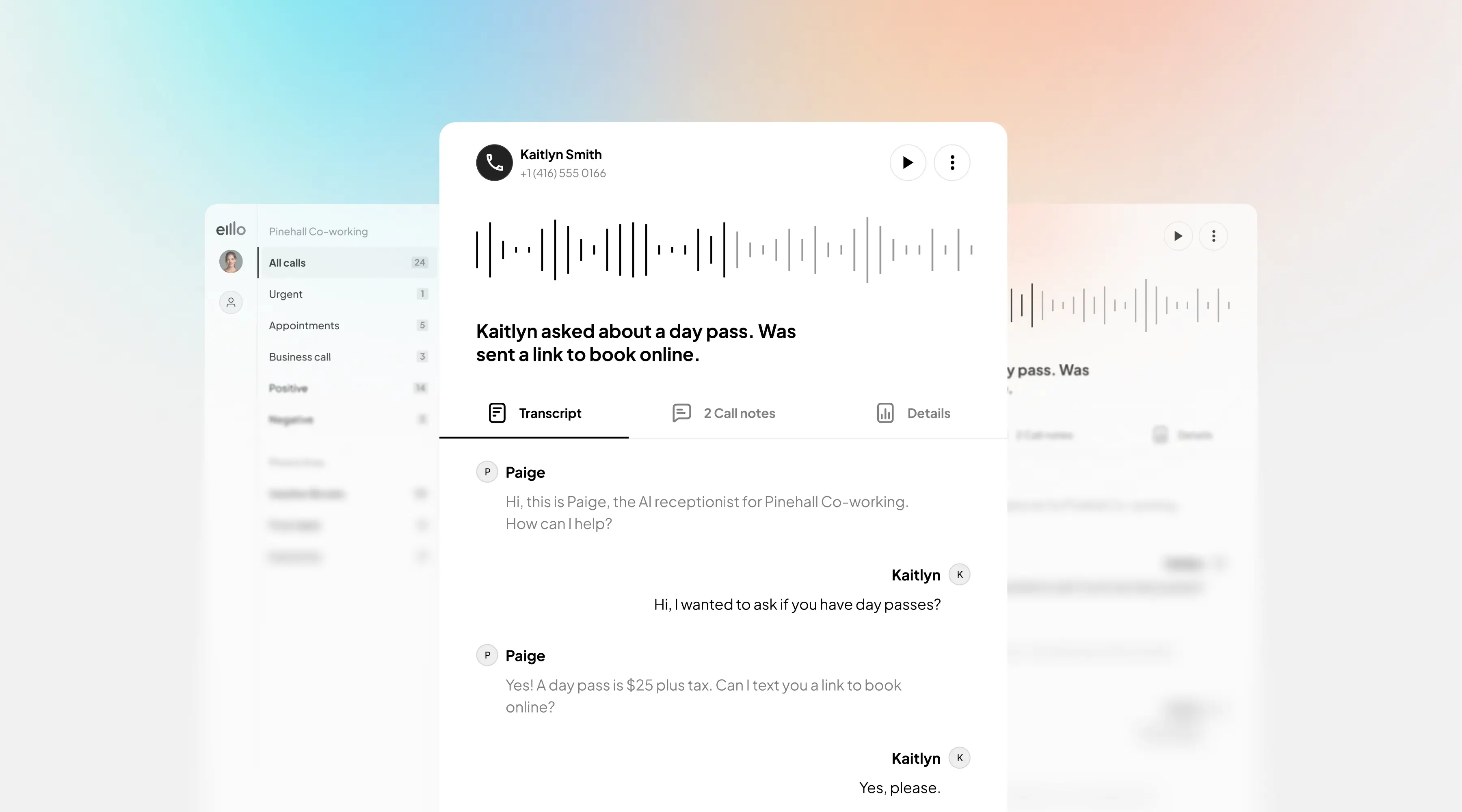
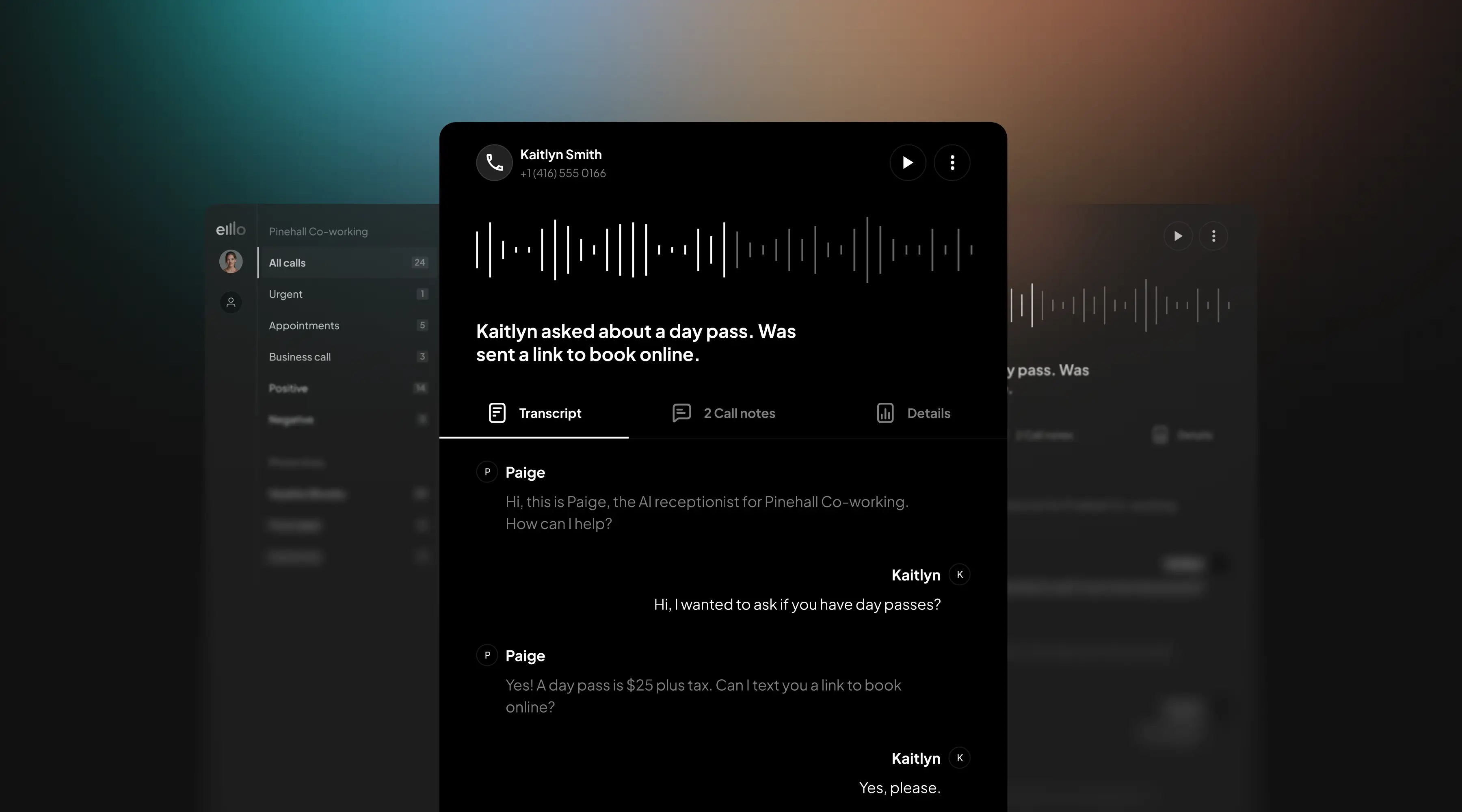
A call in the inbox with its one-line summary, the recording and the transcript
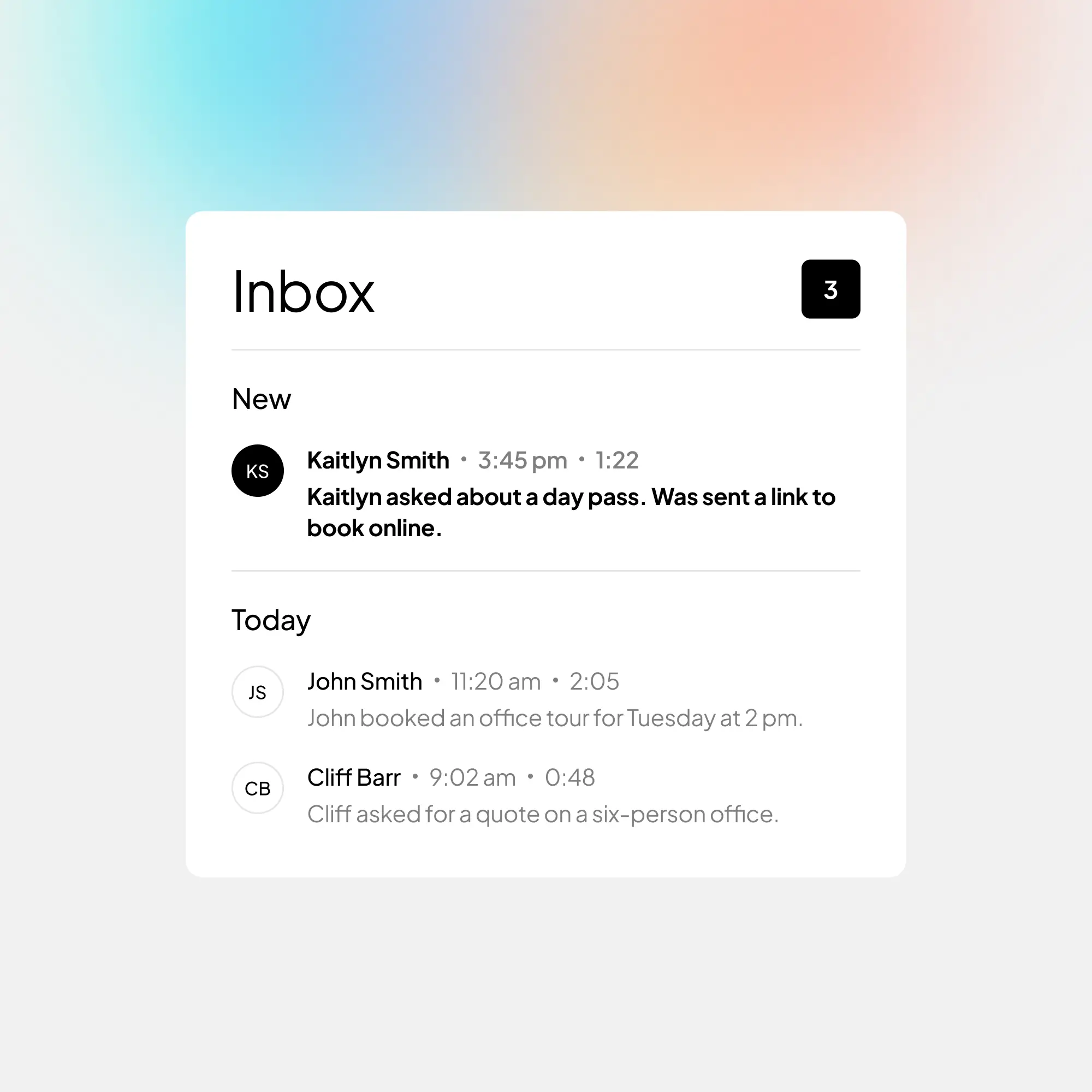
The inbox with the newest call on topThe inbox with the newest call on top
The desktop inbox with a call open: the list, the summary and the transcriptThe desktop inbox with a call open: the list, the summary and the transcript
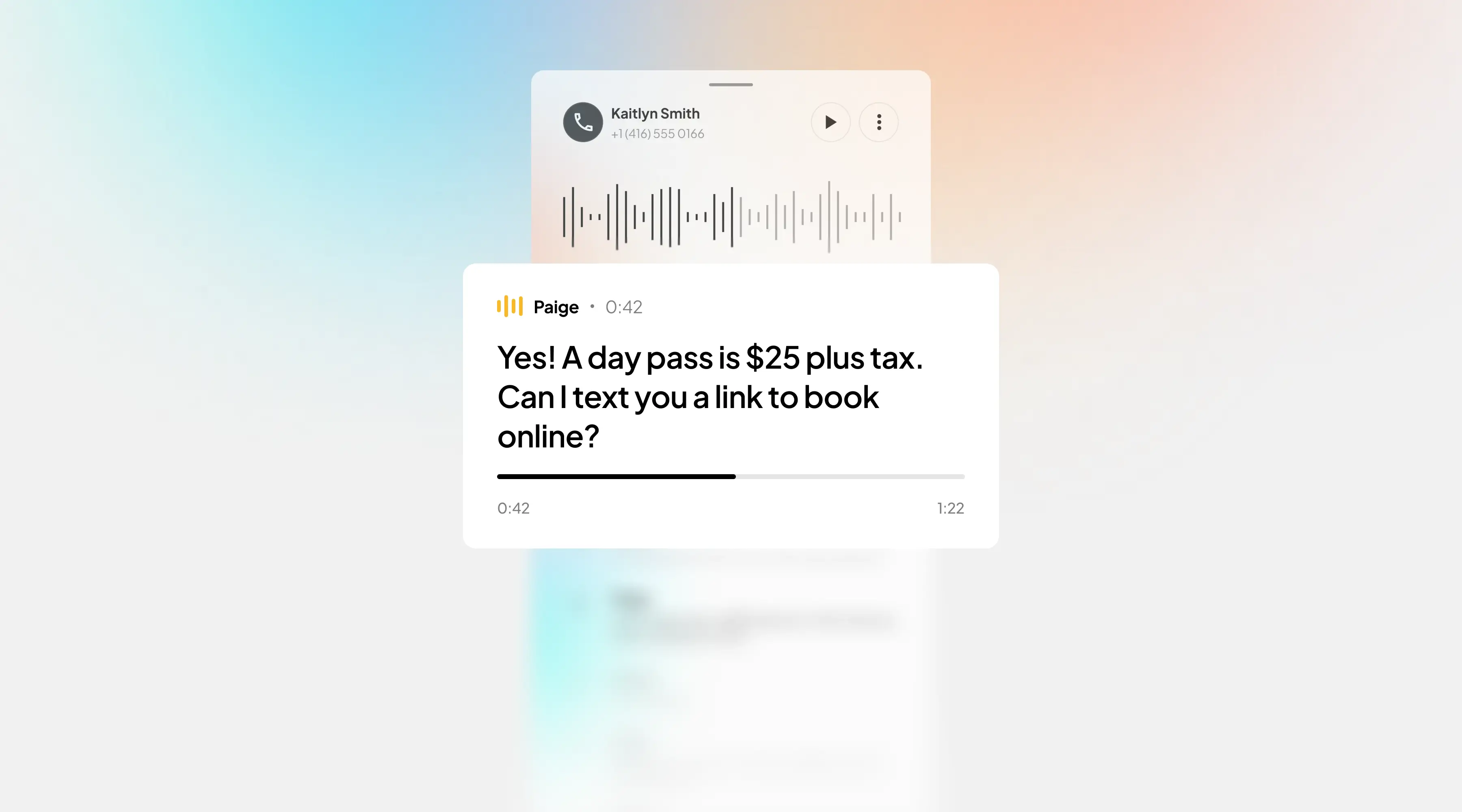
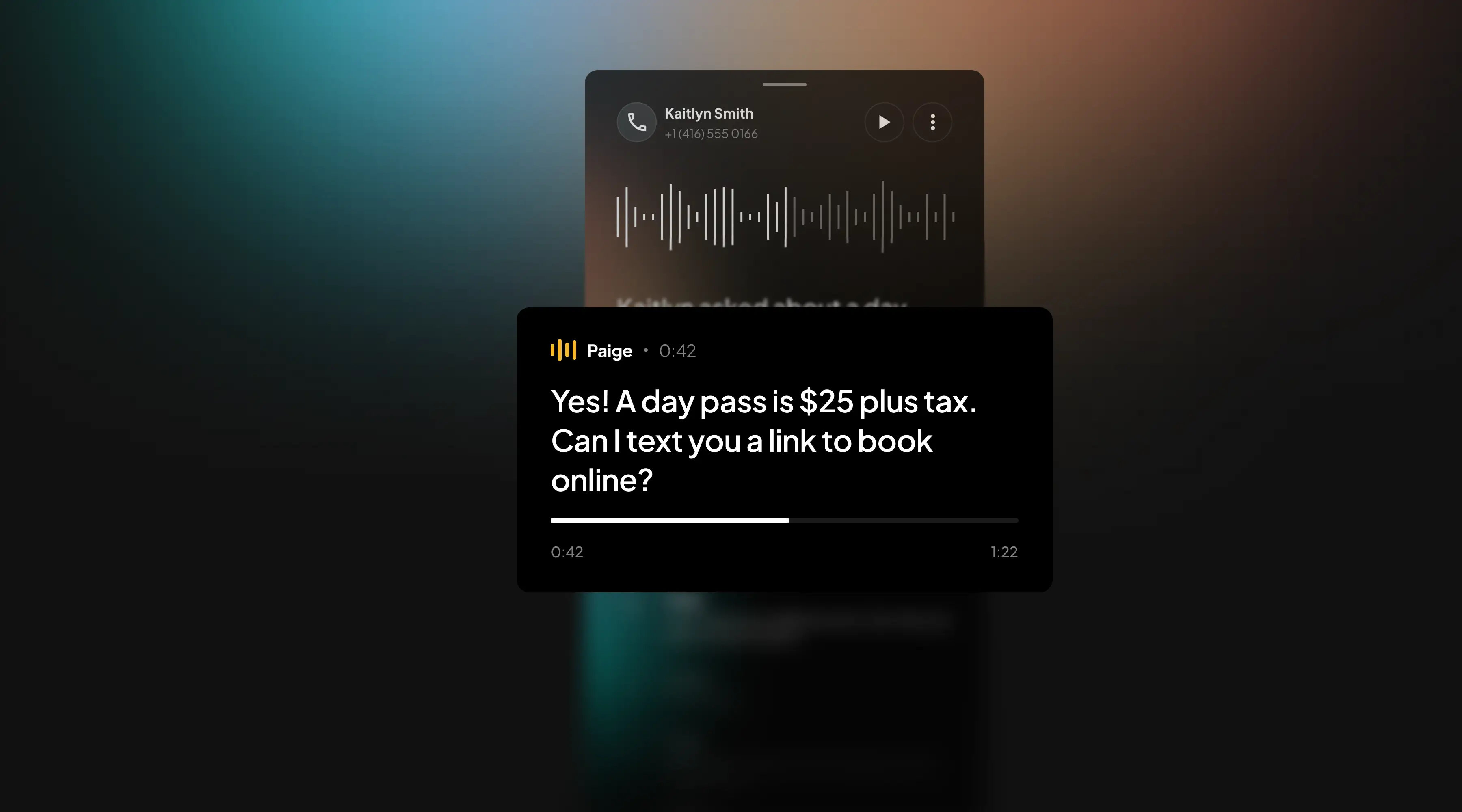
The call on a phone, the transcript following the recordingThe call on a phone, the transcript following the recording
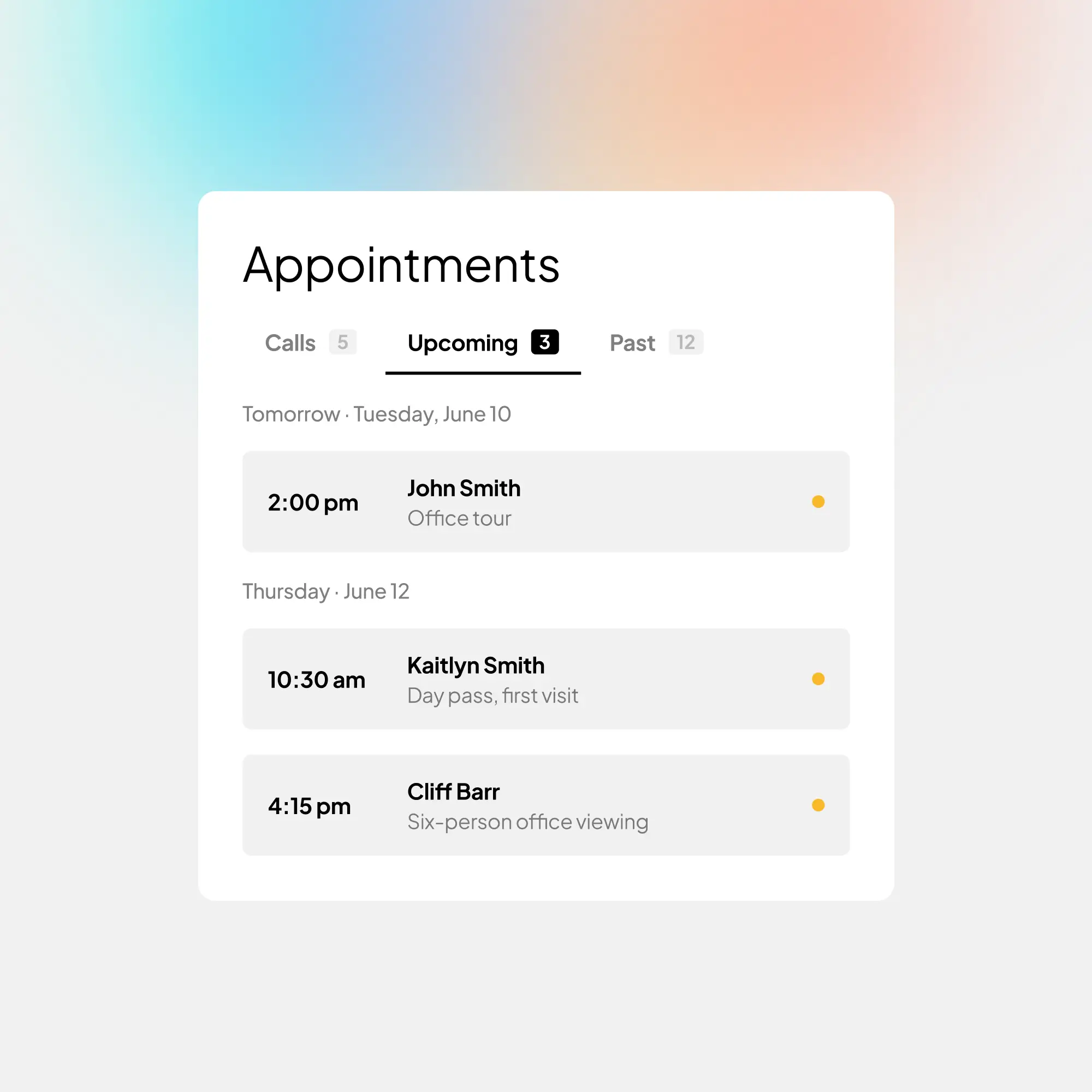
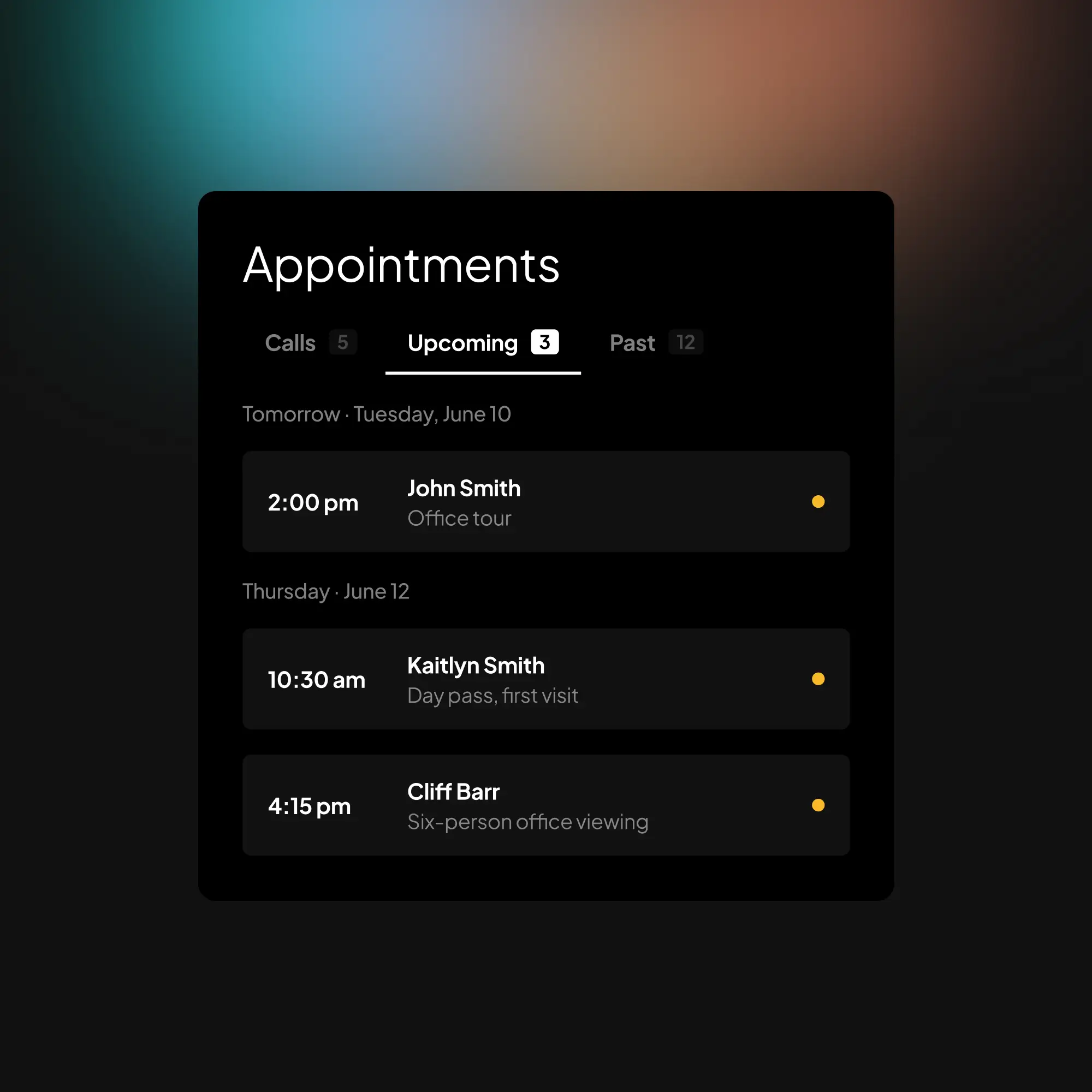
The Appointments view with upcoming bookings by dayThe Appointments view with upcoming bookings by day

One inbox for every call, on every device

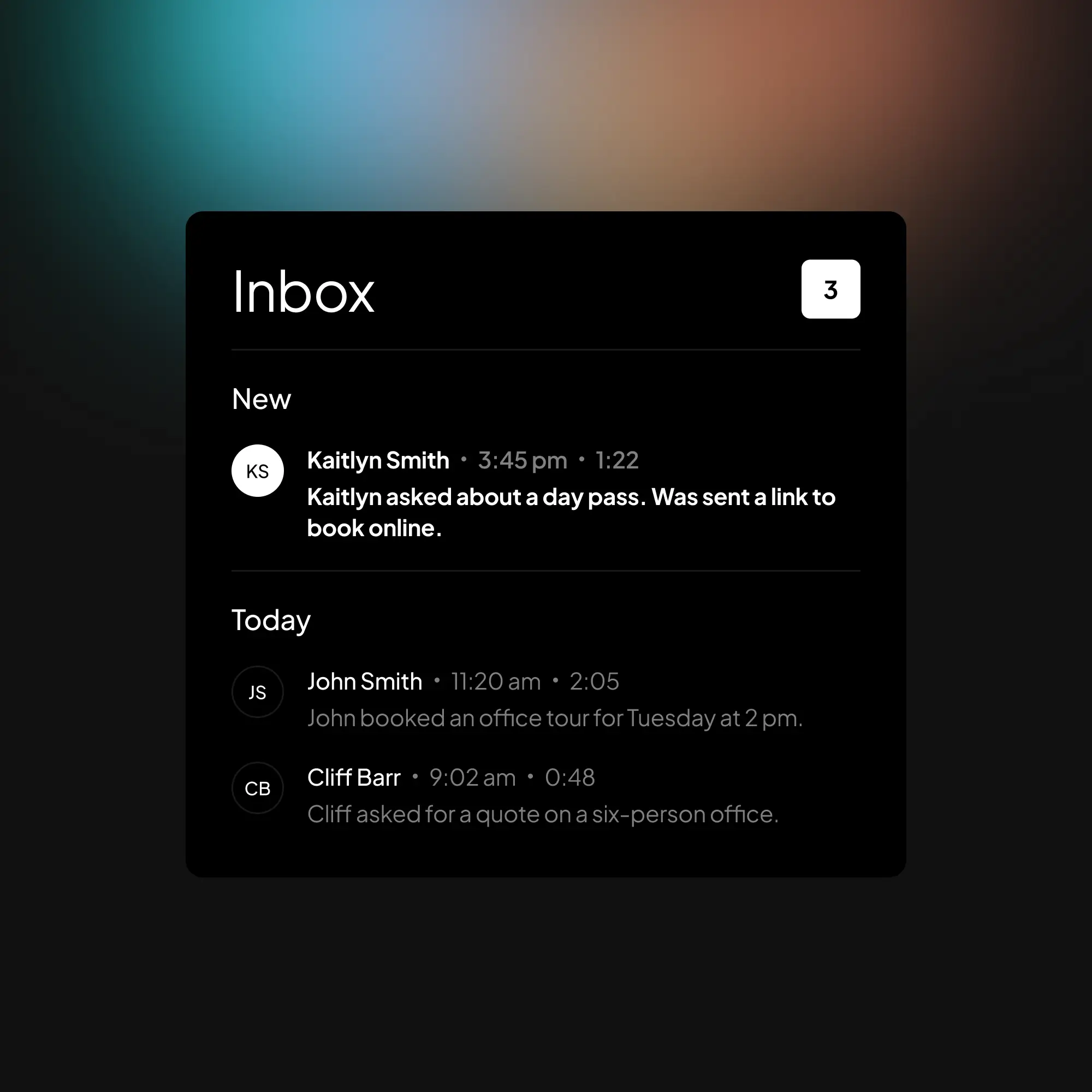
Inbound and outbound, every line of your business, grouped by day with the newest first. The web app installs on your iPhone or Android home screen and runs full screen with push notifications; on a desktop it is the same inbox in a tab. Dark mode included.

Phone, tablet, desktop

One inbox everywhere; installable on iPhone and Android.

Summary, transcript, recording

Read it in a line, read it in full, or play it back.

Appointments by date

Calls where a booking was made, laid out as upcoming and past.

Only real calls

Spam and calls with no message are archived on their own.

The call before the callback

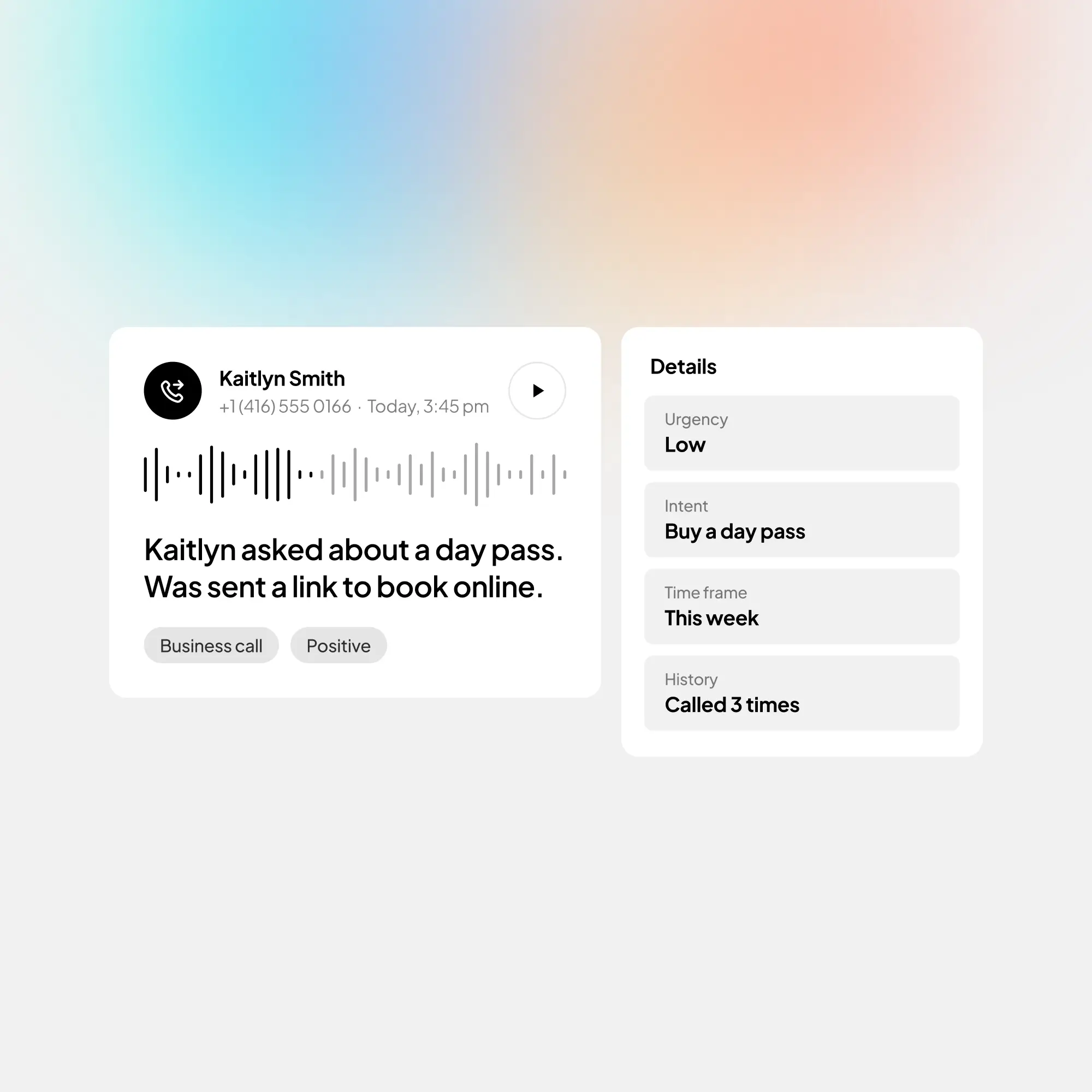
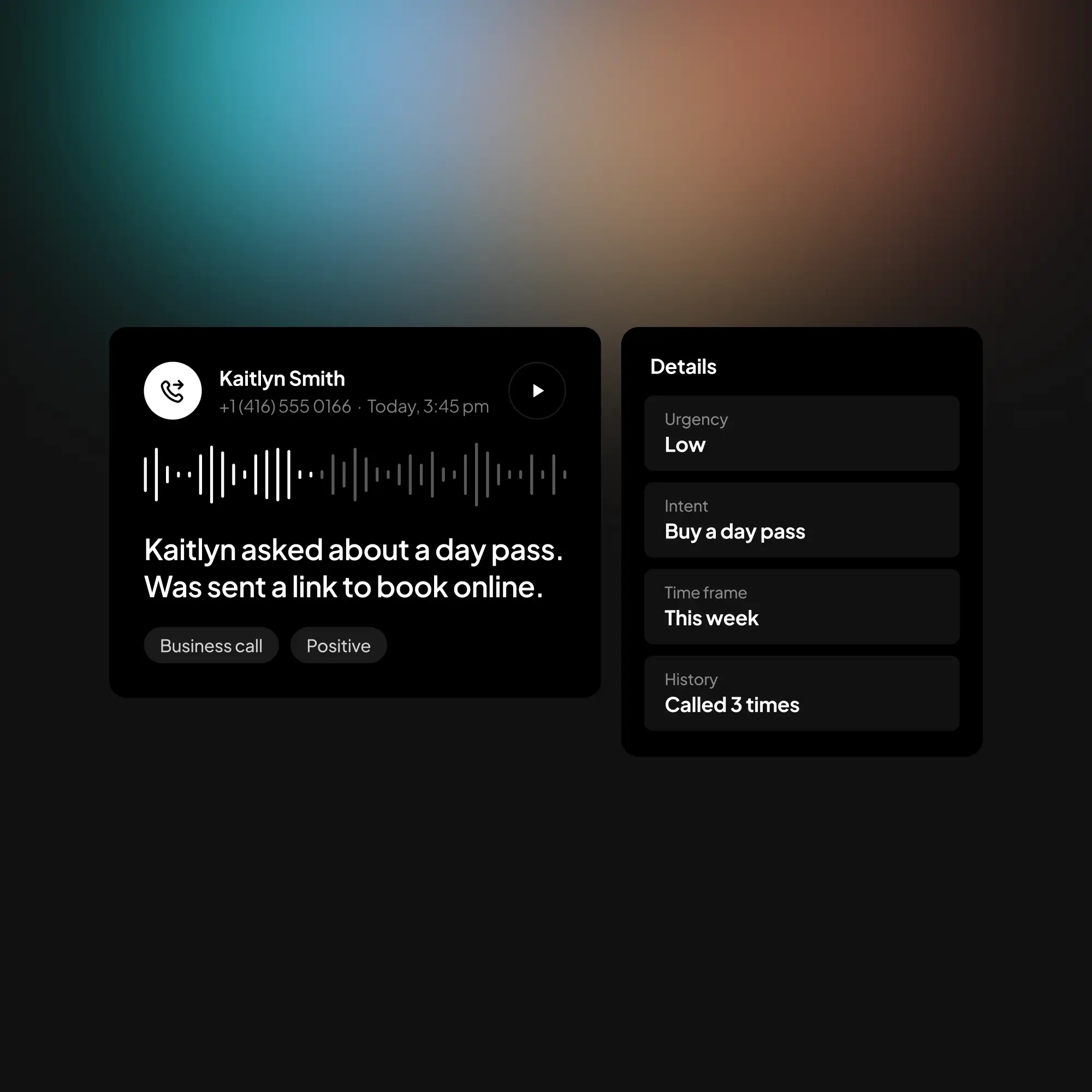
A voicemail is something to listen to. An Elllo call is something to read: the summary tells you who called and why, the chips tell you whether it is urgent or a booking, and the sentiment tells you how it went. The Details tab, on Growth and up, lists everything the agent learned: the caller's details, the urgency, the intent, the time frame.

The top of a call with its summary, beside the details the agent learnedThe top of a call with its summary, beside the details the agent learned

The problem

Voicemail is a to-do list you have to listen to

Most callers never leave one, the ones who do wait for a callback that takes days, and nothing in a voicemail tells you which call to return first. The numbers below are the measured ones.

Consumers say what they do after an unanswered call, and the lead-response studies show how long businesses take to get back and how fast the odds fall.

42%

leave a voicemail

of consumers, after failing to reach a company by phone; the rest hang up, and 82% would call a competitor. CallRail, September 2025, 1,000 US consumers

42 h

average response to a new lead

among the companies that respond at all; first-hour responders are about seven times as likely to qualify the lead. Harvard Business Review, 2,241 companies

23%

of companies never respond

to a new lead at all, because nothing told them which message was a lead. Harvard Business Review

78%

have gone elsewhere

of consumers, after failing to reach a company by phone, by the time a callback would have come. CallRail, September 2025

See a call in the inbox →

How Elllo helps

Built for the callback, not the archive

Every call is stored in full. The inbox is about what you do with it next: who to call first, what to say, who else needs to see it, and where it should go.

Follow up from the call itself

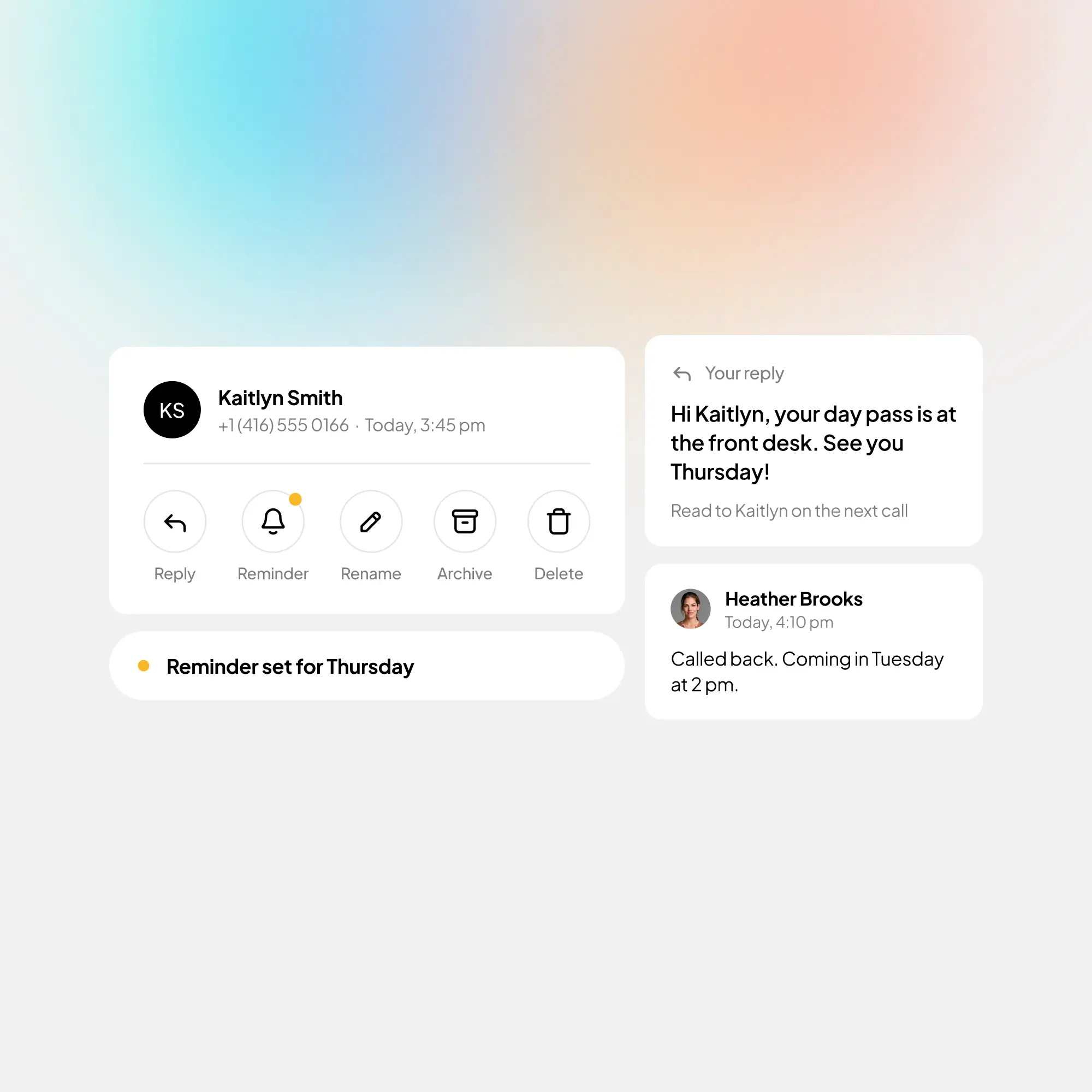
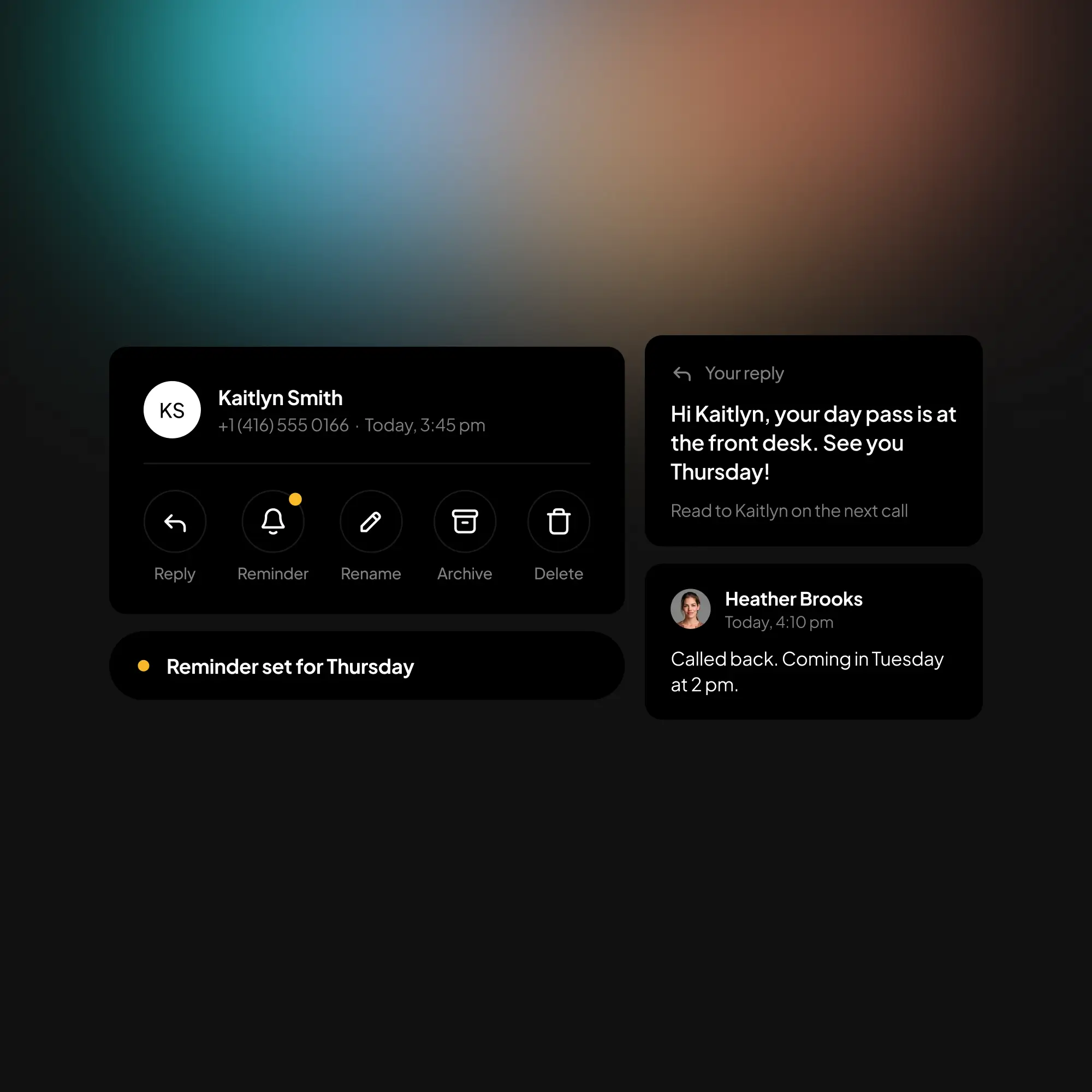
Set a reminder and the call comes back to the top of your list on the day you chose. Leave a note that your team sees under the call. Leave a reply, and the agent reads it to that caller the next time they call, once. Give a caller who left no name a name of your own. Copy a link that opens the call for a teammate. Select a batch by tapping their avatars and archive, move or delete them in one go; deleting a call removes its recording too.

A call's actions with a reminder set, a reply for the caller and a teammate's noteA call's actions with a reminder set, a reply for the caller and a teammate's note

Reminders

Tomorrow, in three days, next week: the call leads your list that day.

Call notes

For yourself and everyone on the line, with the author's photo.

Leave a reply

Read to the caller by the agent on their next call. Growth and up.

Called before

How many times a number has called, and the agent's memory of them.

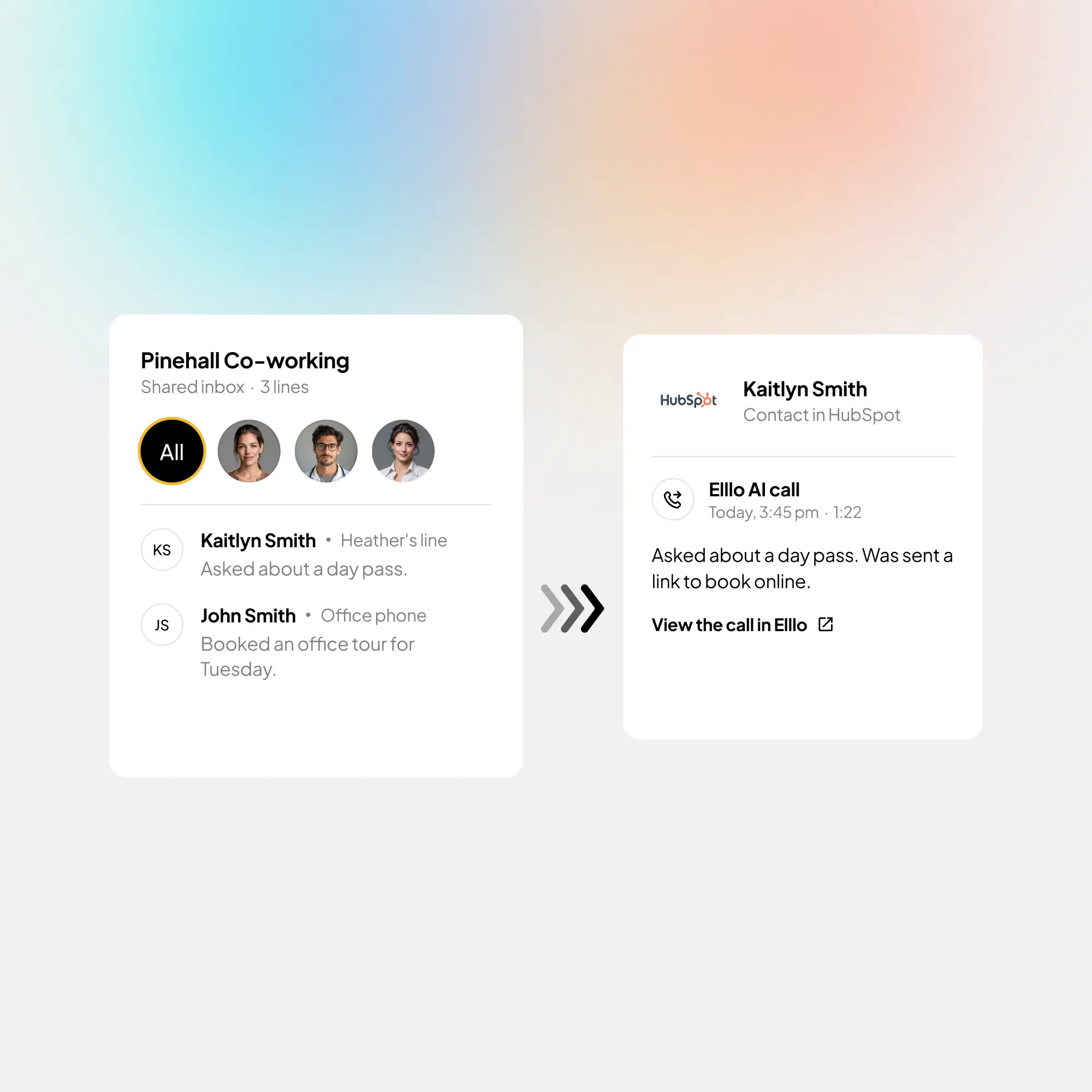
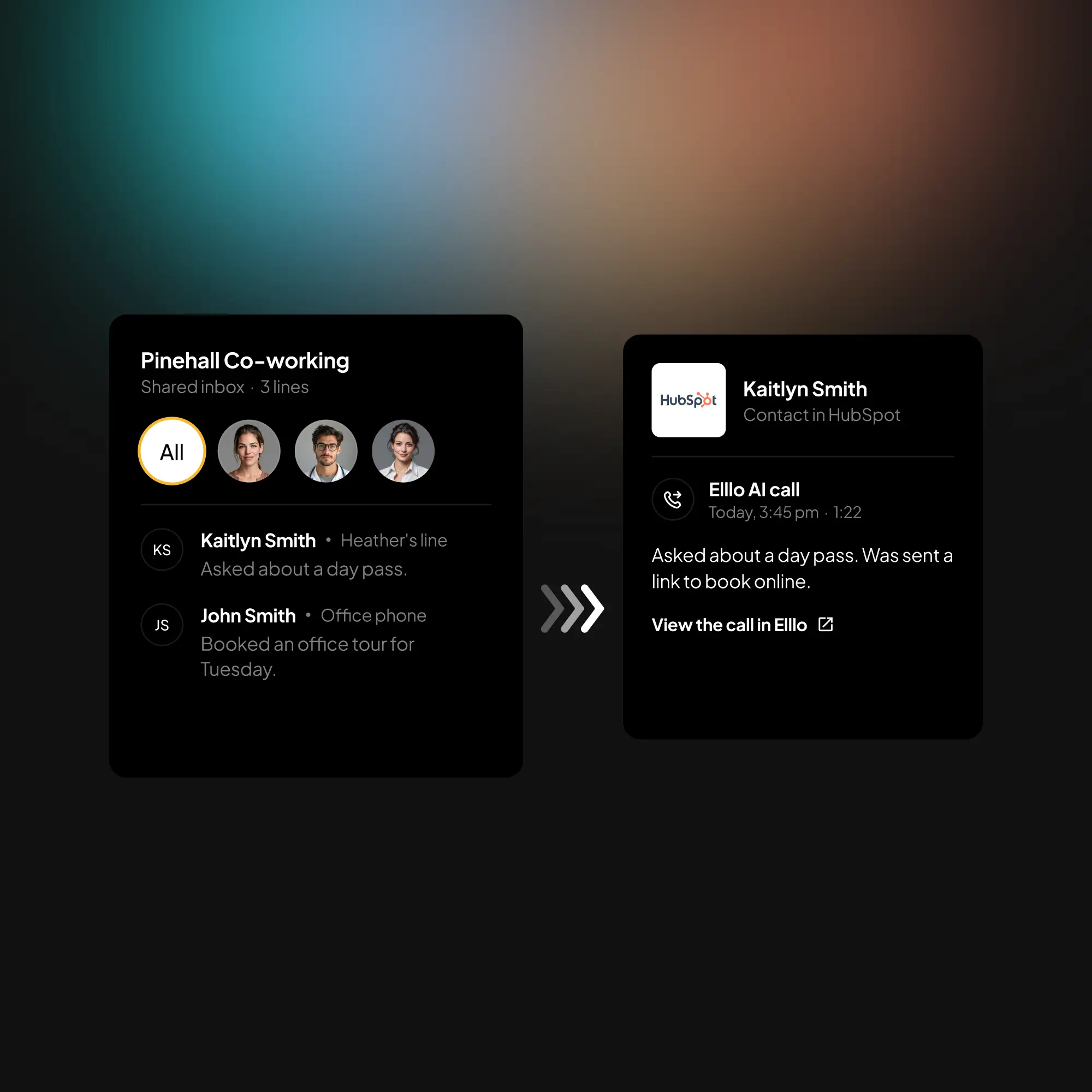
The shared inbox beside the call logged on a HubSpot contactThe shared inbox beside the call logged on a HubSpot contact

Reaches your team, and your CRM

Each summary goes out by email with the full transcript, by text, by push, in Telegram or WhatsApp, or into your team's Slack channel, with a link that opens the call. On Small business and up, add as many view-only users as you need and they get the same notifications; every line of your business sits in one shared inbox, switchable in place. Connect HubSpot or Clio and every call is logged on the right contact with its summary; webhooks send every finished call to your own server, Zapier, Make or n8n.

Six ways to be told

Email, text, push, Telegram, WhatsApp, Slack; Slack on Small business and up.

Your team

Unlimited view-only users and a shared inbox of every line. Small business and up.

HubSpot and Clio

Every call logged on the right contact, with the summary and a link. Small business and up.

Webhooks

Every finished call to your server, Zapier, Make or n8n, signed and retried.

How it works

A phone number forwarded to Elllo

1. Forward your number to Elllo

Bring your own number and go live in seconds — your agent works even if your phone is off. No tech skills required.

Scroll for more →

The agent answering a call

2. Agent answers every call

After each call you will get a one line summary, a call recording, a full transcript, and all caller details.

A lead captured on a call

3. Capture every lead

Your agent captures leads, books appointments, provides quotes, and answers questions about your business.

A call notification

4. Get notified instantly

Get an instant notification of every call and use 3rd-party integrations to automate your customer service flow.

The inbox, by plan

Every plan stores every call in full. The plans differ in how many summaries a month, how long the calls stay, and who else can see them.

Search, categories, sentiment, reminders, notes, bulk actions and every notification channel but Slack come with every plan. The agent keeps answering after a plan's monthly allowance; those calls stay in the inbox and unlock when you move up. Transcripts and recordings are kept for the plan's window, counted back from the first of the month.

Starter

20 summaries a month; calls kept 30 days

Growth

200 summaries a month; calls kept 90 days; the Details tab; replies

Small business

Unlimited summaries, kept forever; view-only users, the shared inbox, Slack, HubSpot, Clio, webhooks

Ultimate

Everything above for three phone lines in one inbox

Every plan

Search, categories, sentiment, reminders, notes, email, text, push, Telegram

WhatsApp summaries are enabled on request on Small business and Ultimate.

Every call in one inbox, read before you call back. Elllo answers from $9 a month.

Start free trial →Discovery call

What customers say

Trusted by small businesses and entrepreneurs in Legal, Co-working, Construction, Executive leadership, Tech, and more!

Elllo gives us peace of mind. Our phones are always answered, which improves response time, productivity and client experience. For a busy coworking space like The Village Hive, that matters a lot!

Charlotte Kirby

The Village Hive

Elllo is a great. It handles incoming calls effectively, leaving all callers in awe while helping to deal with spam calls.

Sergii Sopin

Technology entrepreneur

I am super impressed with Elllo. The team is amazing to work with and set up my bilingual Elllo agent. I am thrilled my Spanish-speaking clients can communicate with my voice agent without barriers.

Maria Diaz

Open Doors Legal

Compare

Elllo vs. voicemail and the call log

Your phone keeps a list of numbers and a pile of recordings. The Elllo inbox keeps the conversation: who, why, how urgent, what to do next, and who else needs to know.

Voicemail / call log

Elllo

What you get

What do you know before you call back?

A number and a recording to listen to

A one-line summary, the transcript, the recording and the caller's details.

Which call first

Is anything marked urgent?

Newest first, nothing else

Urgent, Appointment and Business call chips, sentiment, and a category sidebar.

Finding a call

Where is the call from the plumber three weeks ago?

Scroll

Search by name, number, summary, date or category, instantly.

The follow-up

How do you remember to call back on Thursday?

A note on paper

A reminder on the call, notes for the team, a reply the agent reads to the caller.

Your team

Who else can see the calls?

Whoever holds the phone

Unlimited view-only users and a shared inbox of every line, each with their own notifications.

Where it reaches you

Do you have to open the phone app?

The phone's voicemail screen

Email, text, push, Telegram, WhatsApp or Slack, each with a link to the call.

Your CRM

Does the call reach the contact's record?

If you type it in

Logged on the right HubSpot or Clio contact; webhooks for everything else.

Your data

Who can read it, and can you delete it?

Your carrier's rules

Encrypted at rest with per-customer keys; delete any call with its recording, or your account, any time.

Compare plans →

Questions people ask

01

Is there an app?

The Elllo web app installs on your iPhone or Android home screen and runs full screen with push notifications; on a desktop it is the same inbox in a browser tab. Native apps for the App Store and Google Play are on the way.

02

How long are my calls kept?

30 days on Starter, 90 days on Growth, and for as long as you have the account on Small business and Ultimate, counted back from the first of the month. You can delete any call, with its recording, at any time.

03

Can my team see the calls?

On Small business and Ultimate, yes: add as many view-only users as you need. They see the calls, get the same email, text, push and Telegram notifications, and can leave notes; they cannot change the agent. Every line of your business sits in one shared inbox.

04

Can I answer a caller from the inbox?

You can leave a reply for one caller, and your agent reads it to them the next time they call, once. Growth and up. Calling them back is a tap on the call; their number is right there.

05

What happens to spam?

Scam, spam and voice-harvesting calls are recognised and archived automatically, and so are calls where nobody left a message. Only real calls reach the inbox and trigger a notification.

06

Does it work with my CRM?

HubSpot and Clio Manage connect from your Account page on Small business and Ultimate; every call is logged on the matching contact with its summary and a link. For anything else, webhooks send every finished call to your own server, Zapier, Make or n8n.

07

Is my callers' data safe?

Caller details, transcripts, names and numbers are encrypted at rest with keys that are yours alone, and deleting your account destroys them. Sign-in is a one-time code, never a password.

Every call, read before you call back. 14 days free, no credit card.

Start free trial →Discovery call

Elllo is an AI front desk for small businesses and entrepreneurs

When you can't answer your phone, calls are forwarded to your own personalized voice agent that can take messages, answer questions about your business, book appointments and more.